How to Register

First Oklahoma Bank Informacast Self Service.

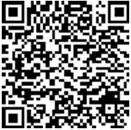
Please use the following link or QR code from your mobile device to start the self registration process for the First Oklahoma Bank Emergency Alerting System.

NOTE: The First Oklahoma Bank Informacast is a mass alert system used by First Oklahoma Bank to notify its employees of potential emergency situations such as weather, fire or security events. Tenants are encouraged but not required to register to receive the same notifications as are sent to employees. First Oklahoma Bank will use commercially reasonable methods to broadcast information about emergency situations. However, by registering tenant specifically acknowledges and agrees that First Oklahoma Bank disclaims and has no liability to tenant or its invitees or guests arising from either a failure to notify or an incorrect notification and Tenant further waives any claim related to notices received or not received.
First Oklahoma Bank Informacast Self Service Registration :

To register use this link - https://dq88c.app.goo.gl/47rx Or Scan QR Code.

1

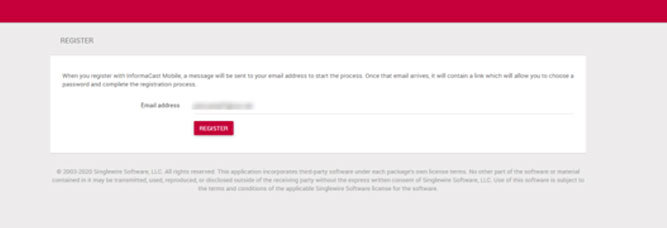
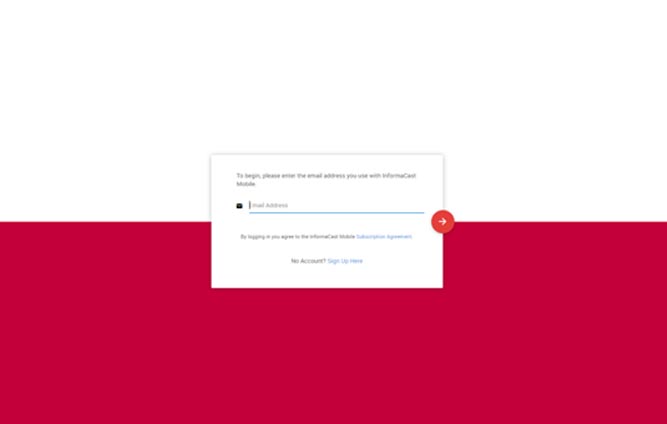
Please enter your email address

#Screen1
#Screen1
#Screen2
#Screen3
2

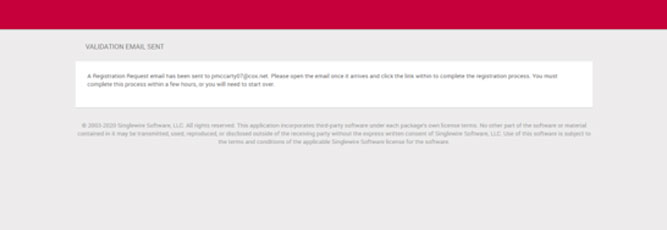
Confirm email address

#Screen2, #Screen3
3

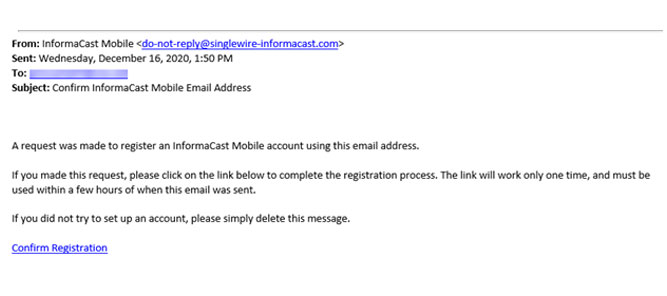
You will receive an email similar to the one below to confirm and continue your registration process

#Screen4
#Screen4
#Screen5
4

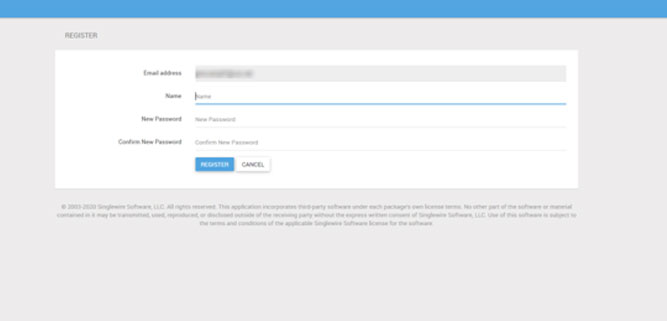
When clicking the “Confirm Registration” you will be shown this page to enter further details and setup your account.

#Screen5
5

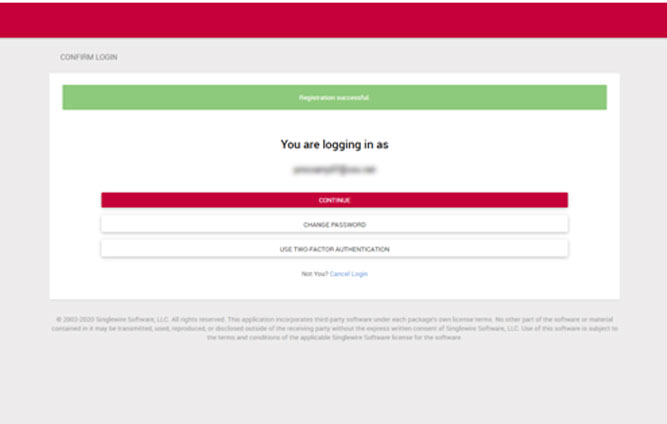
Once registered you will be prompted to continue logging in. We do recommend setting up Two Factor Authentication as an additional step for security.

#Screen6
#Screen6
#Screen7
6

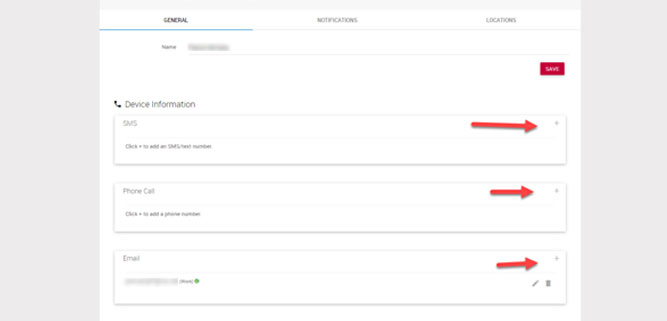
Once logged int, please add your SMS, Phone and any additional email addresses you would like to be notified by.

#Screen7
7

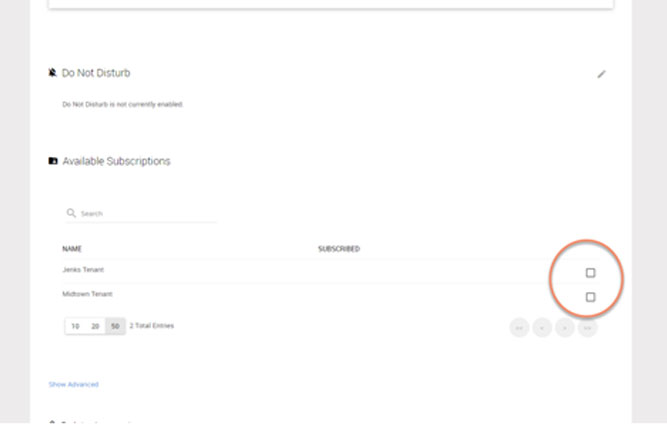
Scroll down and please select notification groups you would like be notified on.

#Screen8
#Screen8

Thank you and if any questions please contact our facilities manager.